In the world of competitive PC gaming, we obsess over milliseconds. We buy 360Hz monitors, lightweight mice with 8K polling, and optimize our NVIDIA settings for maximum frame rates. Yet, many gamers overlook a critical source of latency sitting right under their fingertips: the keyboard controller. If you have dived into the world of custom mechanical keyboards, building your own KBDfans kit, tuning a GMMK Pro, or programming QMK firmware,m, you have likely seen the specs. You know “1000Hz Polling” is the gold standard. But in custom keyboards, polling rate is often misunderstood. There is a deeper, deeper stat that dictates how fast your Scan Rate is in Custom Keyboards.
Here is a breakdown of what scan rate actually means, how it differs from polling rate, and how to ensure your expensive custom build isn’t slower than a budget gaming board.
The Basics: What is Scan Rate?
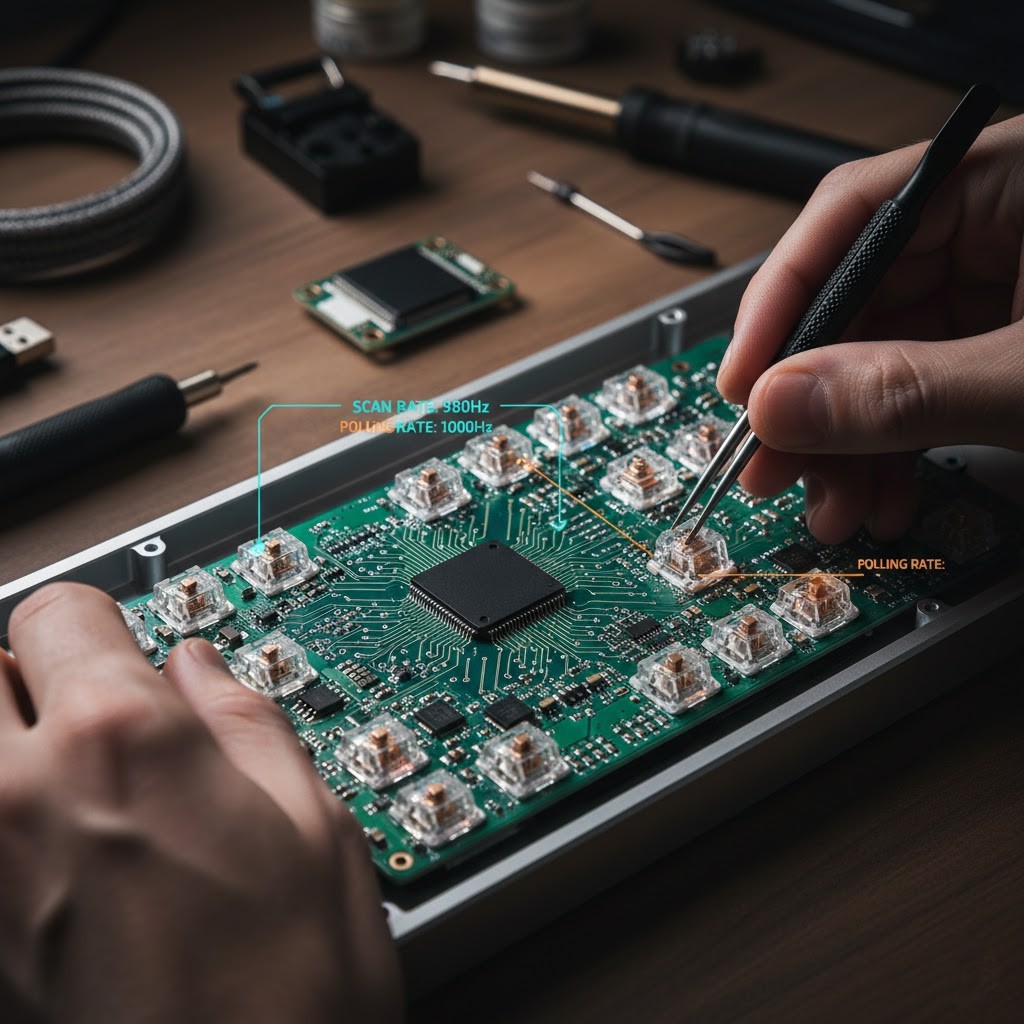
A mechanical keyboard is essentially a large grid of electrical switches. Your keyboard’s brain, the microcontroller unit (MCU), doesn’t magically know when a key is pressed. It has to actively check.
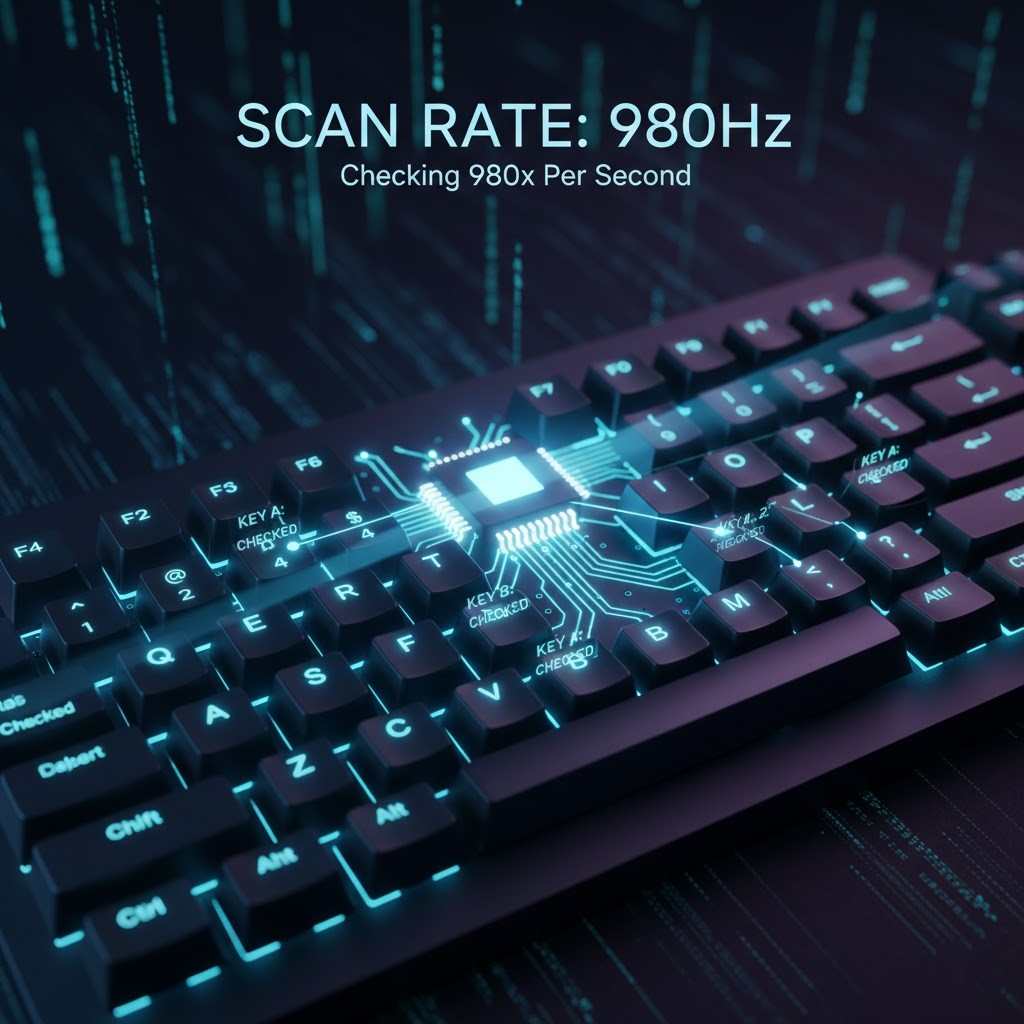
Scan Rate in Custom Eyeballs is the frequency at which your keyboard’s processor scans the entire matrix of keys to see if any switches have changed state (pressed or released).
Think of it like a teacher taking attendance in a classroom. The teacher looks at every seat, one by one, to see who is present. If the teacher checks the whole room 500 times every second, the “Scan Rate” is 500Hz.
The Vital Difference: Scan Rate vs. Polling Rate
This is where 90% of the confusion lies. They are two separate steps in the data pipeline.
To understand the difference, let’s visualize the lifespan of a single mouse click or keypress in a game like Valorant or Counter-Strike:
- The Physical Act: You press the ‘W’ key, physically closing a metal contact in the switch.
- The Internal Check (Scan Rate): The keyboard’s processor cycles through its grid. It detects that the ‘W’ circuit is closed.
- Processing & Debouncing: The processor confirms this is a real press and not just electrical noise (more on this later).
- The Delivery (Polling Rate): Your computer’s USB controller asks the keyboard, “Do you have new data?” The keyboard packages the ‘W’ press and sends it to the PC.
- The takeaway: The polling rate is simply the frequency at which the delivery truck leaves the warehouse. Scan rate is how fast the factory can actually build the product.
The “Bottleneck Rule”
The slowest link in this chain dictates your keyboard’s responsiveness.
If you have a high-end gaming PC polling your keyboard at 1000Hz (every 1ms), but your custom keyboard’s internal scan rate is overloaded and only running at 200Hz (every 5ms), your effective speed is 200Hz.
Your PC is asking for updates five times faster than your keyboard can generate them. You are getting 1000Hz reports, but four out of five of them contain old data.
What is a “Good” Scan Rate in Custom Keyboards for Gaming?
In the commercial gaming keyboard market (Razer, Corsair, Wooting), scan rates are usually highly optimized, often exceeding 1000Hz or even 2000Hz. They use powerful processors dedicated solely to speed.
In the custom keyboard world, things are murkier. The scan rate isn’t a fixed number on a spec sheet; it fluctuates based on how hard the keyboard’s processor is working.
- < 250Hz (Poor): Noticeable latency for competitive gaming. Common in older custom PCBs or firmware is doing too many tasks at once.
- 500Hz – 1000Hz (Ideal): The sweet spot. At 1000Hz, the keyboard is scanning every single millisecond. For 99% of gamers, this is indistinguishable from instant.
- > 2000Hz (Enthusiast): Found in high-performance boards and specialized rhythm game controllers.
The Silent Performance Killers in Custom Builds
Why would an expensive custom keyboard have a low scan rate? Because custom keyboards do a lot more than just register keypresses. Every feature you add eats up CPU cycles that could be used for scanning the matrix.
1. RGB Lighting is the Enemy of Speed. This is the biggest culprit. Running complex, buttery-smooth RGB wave animations across 80 individual LEDs requires massive amounts of calculation from the microcontroller. On older chips, turning on full RGB can cut your scan rate in half. If you want maximum performance for competitive play, turn the lights off or set them to a static color.
2. Outdated Microcontrollers Many older custom PCBs still use the ATmega32u4 chip (the classic “Pro Micro”). It’s a reliable chip, but it’s slow by modern standards. Newer boards using RP2040 (Raspberry Pi silicon) or ARM STM32 chips have vastly more processing power and can handle high Scan rates in Custom Keyboards comfortably alongside other features.
3. OLED Screens and Split Boards Driving the small OLED screens popular on enthusiast boards takes priority over scanning. Similarly, split keyboards (like the Corne or Sofle) have to spend time communicating between the two halves, which can introduce slight overhead compared to unibody designs.
How to Optimize Your Custom Keyboard (QMK Firmware)
If you are running a board with QMK or VIA support, you aren’t stuck with stock speeds. You can tune your firmware for performance.
Note: You need to compile your own QMK firmware to make these changes; they cannot be done inside the VIA app.
1. Switch to “Eager” Debouncing
Before a keypress is registered, the firmware waits a few milliseconds to ensure the switch isn’t just electrically “bouncing” (creating noise). The default QMK method is “defer,” meaning it waits until the noise stops before sending the keypress. This is safe, but adds latency.
For gaming, you want “Eager” debouncing. This registers the keypress immediately upon detection, and then ignores the subsequent noise.
The Final Verdict
For typing up an email, the Scan Rate in Custom Keyboards is irrelevant. But if you are trying to click heads in a tactical shooter, your equipment chain matters.
Don’t just assume that because your keyboard connects via USB-C and costs $300 that it’s fast. A custom keyboard is a balancing act between aesthetics, features, and raw performance. Understanding scan rate allows you to tip that balance back in favor of speed when it counts.
Read Also: NVIDIA RTX 50 Series Will Be Discontinued Soon? Plan Changed
About The Author